 |
Peano
|
|
Peano
|
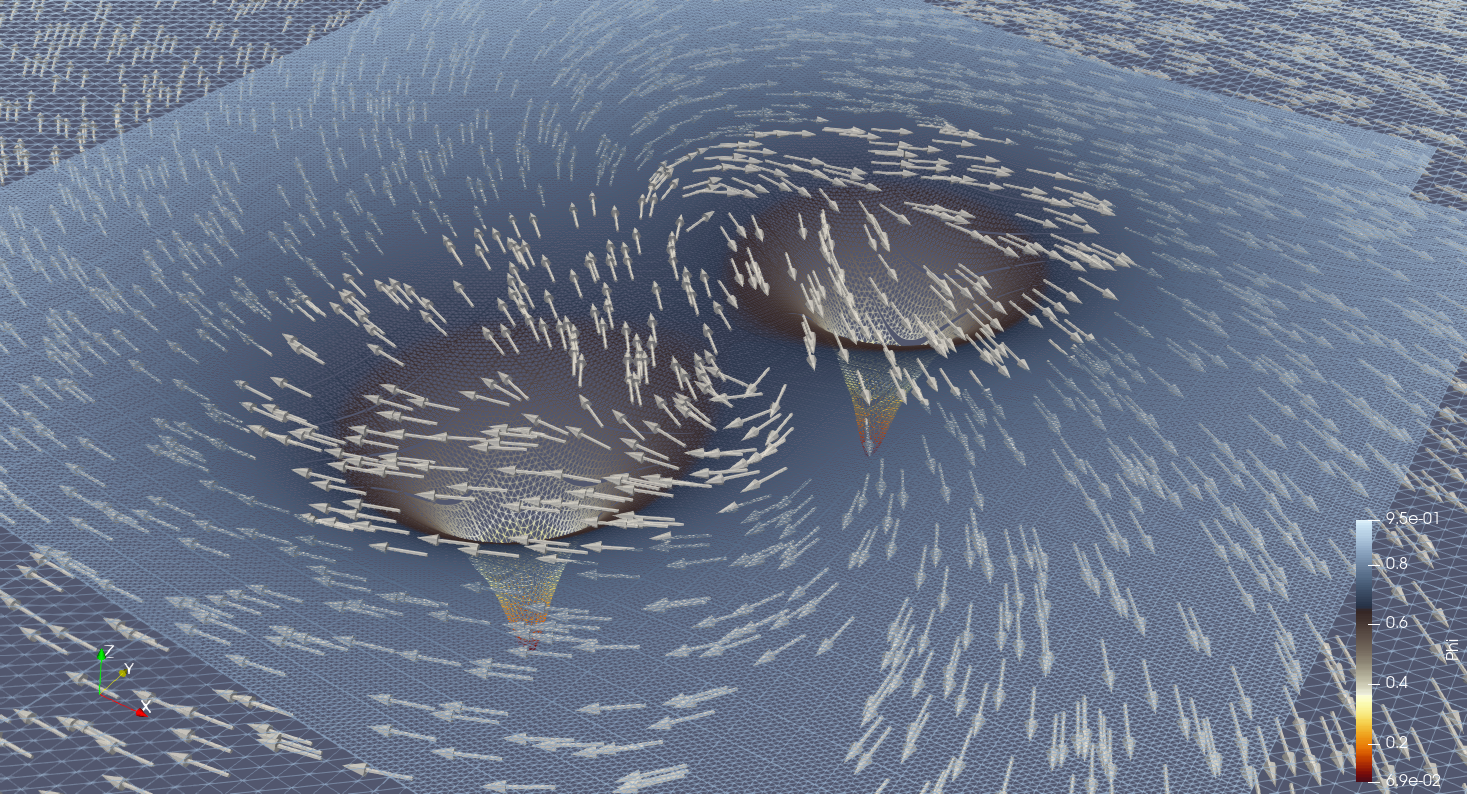
ExaGRyPE is Peano's extension for numerical relativity and is built as part of Peano. For general remarks on how to install Peano, please see Installation. This page is designed to be self-contained, i.e. it should include all the steps you need to run the example codes.
Besides a C++20 compiler with OpenMP support (and MPI if you want to run in parallel on a cluster), ExaGRyPE needs
On a workstation, GSL is typically installed via the package manager, e.g.
On a cluster, load the corresponding module (e.g. module load gsl) before you configure, and load the proper modules for your compiler and MPI (see Run ExaGRyPE on Clusters).
Configure and compile Peano in the Peano root directory. With GCC and Autotools, a minimal setup reads
On a cluster with the Intel toolchain and MPI, the call becomes
The flags have the following roles:
--enable-exahype, --enable-blockstructured and --enable-loadbalancing build ExaHyPE 2, on top of which ExaGRyPE sits.--enable-particles builds the particle toolbox, which ExaGRyPE uses for its tracers.--enable-exagrype builds the ExaGRyPE library, which hosts the CCZ4 kernels and the initial conditions (see ExaGRyPE library). It requires ExaHyPE 2 and is built for 3d only. Without it, the generated ExaGRyPE Makefiles do not link.--with-gsl compiles the TwoPunctures black hole initial data into the ExaGRyPE library and adds GSL to the link line of all generated Makefiles. You can drop it if you only run the gauge wave. If you build a black hole scenario against a Peano configured without GSL, the build stops with an error message that asks you to reconfigure.--with-gsl does not take a path. Configure asks pkg-config for GSL and otherwise falls back to -lgsl -lgslcblas -lm. If GSL is installed in a non-standard location that pkg-config does not know, add its directories by hand:
If you prefer CMake, build out-of-tree with the equivalent options:
CMake locates GSL via its FindGSL module. For a non-standard installation, pass -DGSL_ROOT_DIR=/path/to/gsl.
Missing libraries may lead to configuration or compilation errors; please check Troubleshooting if necessary. You only need to compile Peano once as long as your working environment and the Peano kernel code remain unchanged. We recommend re-compiling it after you pull a new code version or change working environments (e.g. when you switch between different login nodes of a cluster).
To clean the Peano root directory completely, e.g. before a fresh configure, use the following lines:
ExaGRyPE's code generation relies on several Python packages. The recommended way to install them is an editable install from the Peano root directory (where the pyproject.toml file resides). This installs the full set of required dependencies and sets the Python path to the Peano modules automatically, so there is no need to export PYTHONPATH by hand. For the complete dependency list and alternative setups (e.g. setting PYTHONPATH manually), see Installation.
ExaGRyPE currently offers two entry points:
exagrype.api layers on top of exahype2.api. It offers Finite Volumes and the fourth-order Finite Differences (exahype2.api.rkfd4), but no black holes yet. Start with the Jupyter notebook tutorials/exahype2/exagrype/521_gauge-wave.ipynb (The gauge wave: A first numerical relativity experiment with ExaGRyPE), which runs the gauge wave with this API. Gauge wave and ExaGRyPE library provide further details.applications/exahype2/ccz4 hosts the main script ccz4.py, which provides all scenarios (gauge wave, single and binary black holes), tracers and the different numerical schemes. The remaining ExaGRyPE tutorials work with this script: exahype2.solvers.rkfd. They have been removed in favour of exahype2.api.rkfd4, so the script and the tutorials which use it do not run until they are ported to the new API.The following paper contains the physics and code design of ExaGRyPE.
 1.9.8